
Your whole catalog in one link.
Build a product catalog, share one link, and let customers contact your shop. You and your customer arrange any purchase directly.
- Free to start
- Build in three steps
- No app needed for customers
- /to search,⌘Kfor commands
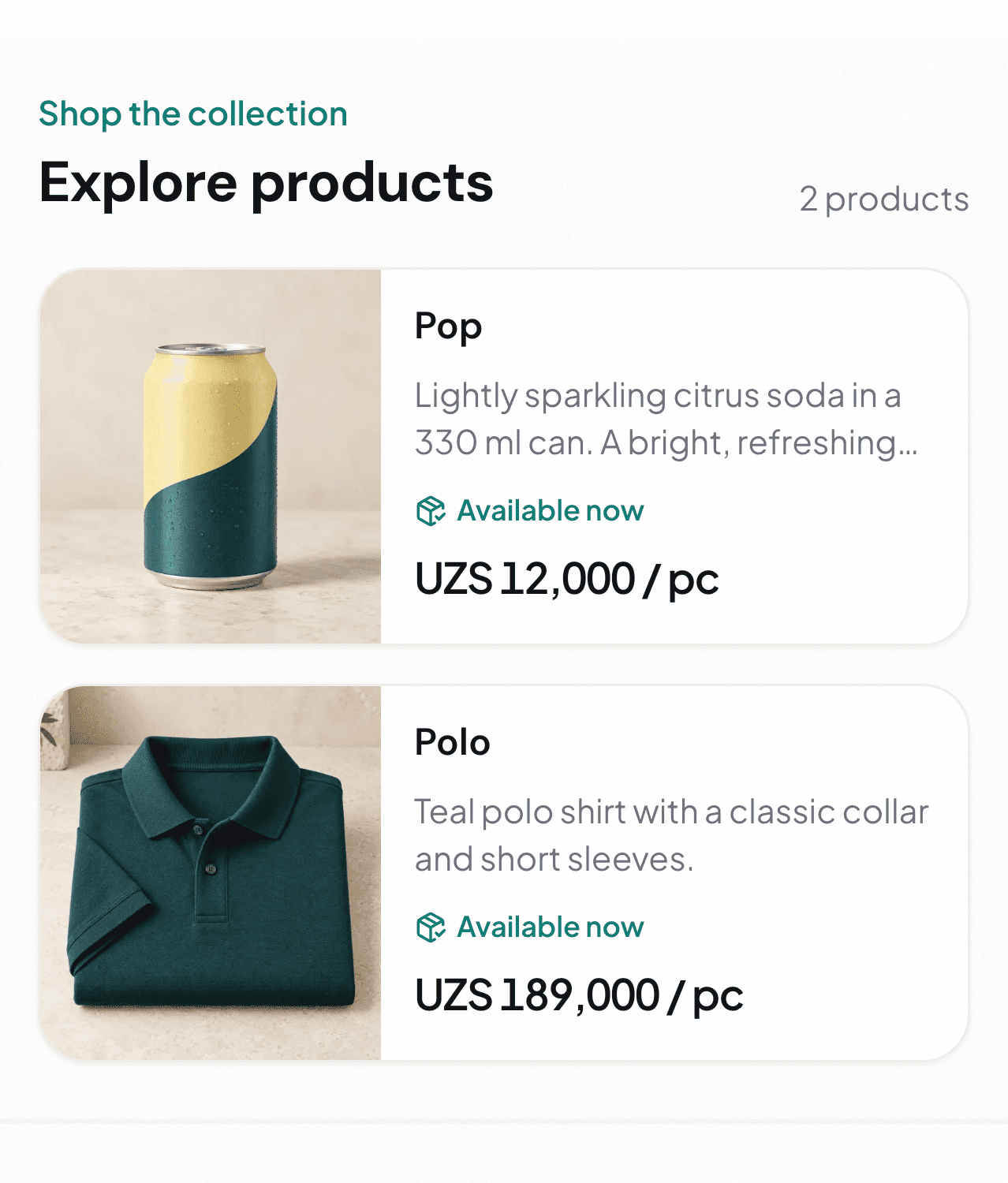
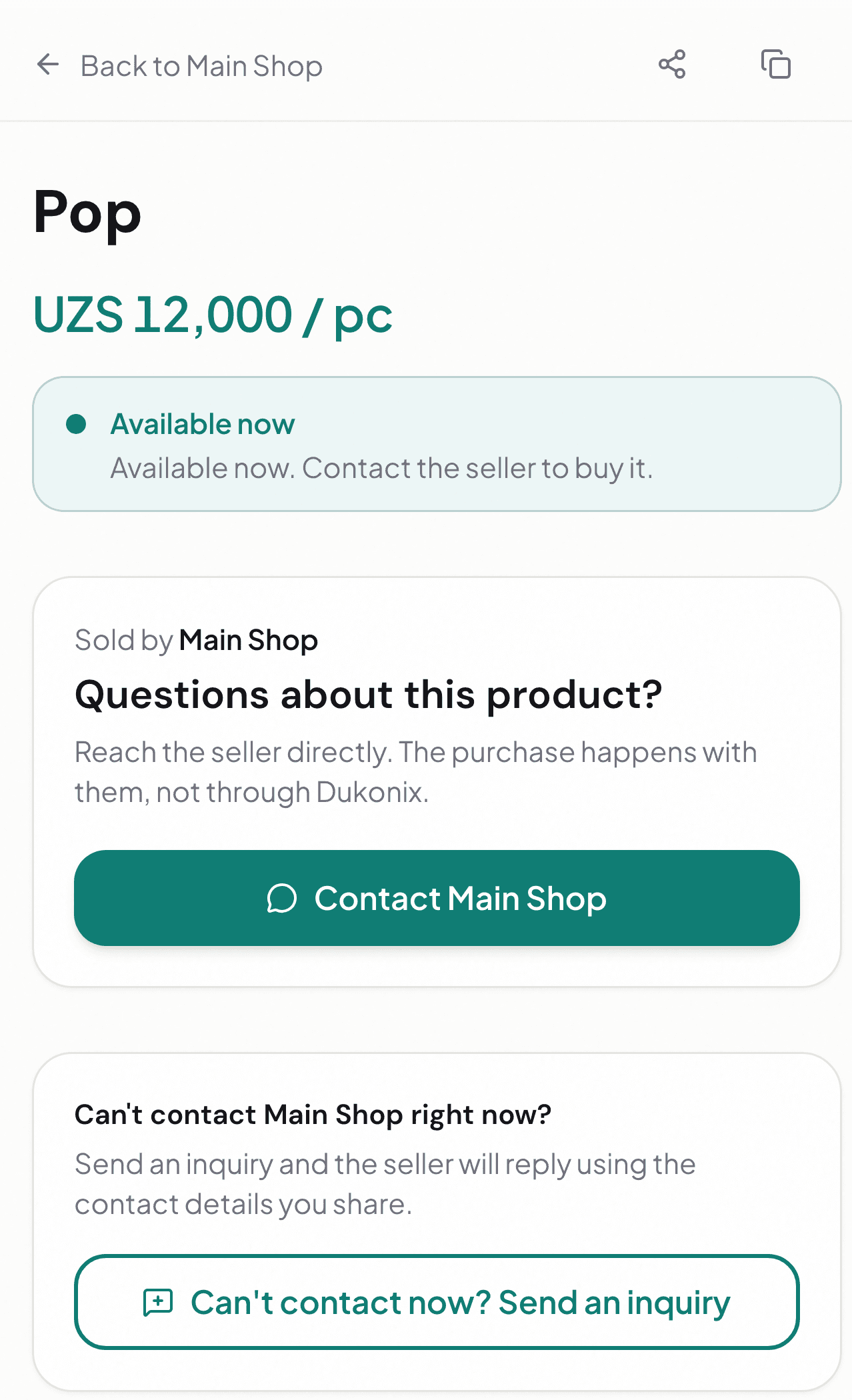
Main Shop is a fictional demo. Customers browse in a browser and contact the merchant directly.
Built on product truths
- Free to start
- No app needed for customers
- iOS & Android
Create better product pages with ChatGPT.
Turn your product facts and photos into clear, professional descriptions. Review every change before it is saved to your catalog.
You review every change before it is saved
Start with a Dukonix shop, then connect it in ChatGPT.
Connect your shop
Open Dukonix in ChatGPT, sign in, and allow access to the shop you choose.
Share product facts and a photo
Ask ChatGPT to prepare a new product page or improve an existing description.
Review, then save
Check the proposed details and approve the changes you want in your catalog.
Manage or disconnect your connection in the Dukonix app under Settings → Connected apps.
Give customers the details they need to start a conversation.
A shared catalog helps customers explore your products before they contact your shop.
Show product details in one place
Add photos, prices, and availability to help customers decide what to ask about.
- Photos
- Price
- Availability
Let customers browse before they write
Organize products into collections. Customers can explore and open product details in their browser.
- Collections
- Product details
Share one catalog link
Put your catalog link in a message or profile so customers can explore the products you publish.
- One link
- Full catalog
Keep product information current
Update product details in the app and the shared catalog shows the latest published information.
- Edit products
- Shared catalog
Give customers a way to reach you
Customers can contact your shop from a product page or send an inquiry. You follow up directly.
- Direct contact
- Product inquiries
Share in three steps.
From shop details to a catalog link customers can open in a browser.
Set up shop details & your link
Name your shop, pick your handle, and get your catalog link.
Add products
Add photos, price, and availability. Organize with collections.
Publish & share
Send your one link on any chat. Customers open it without an app.
Your catalog is one link away.
Add products, share your link, and let customers contact your shop.